Printable pet expense tracker that actually helps you budget
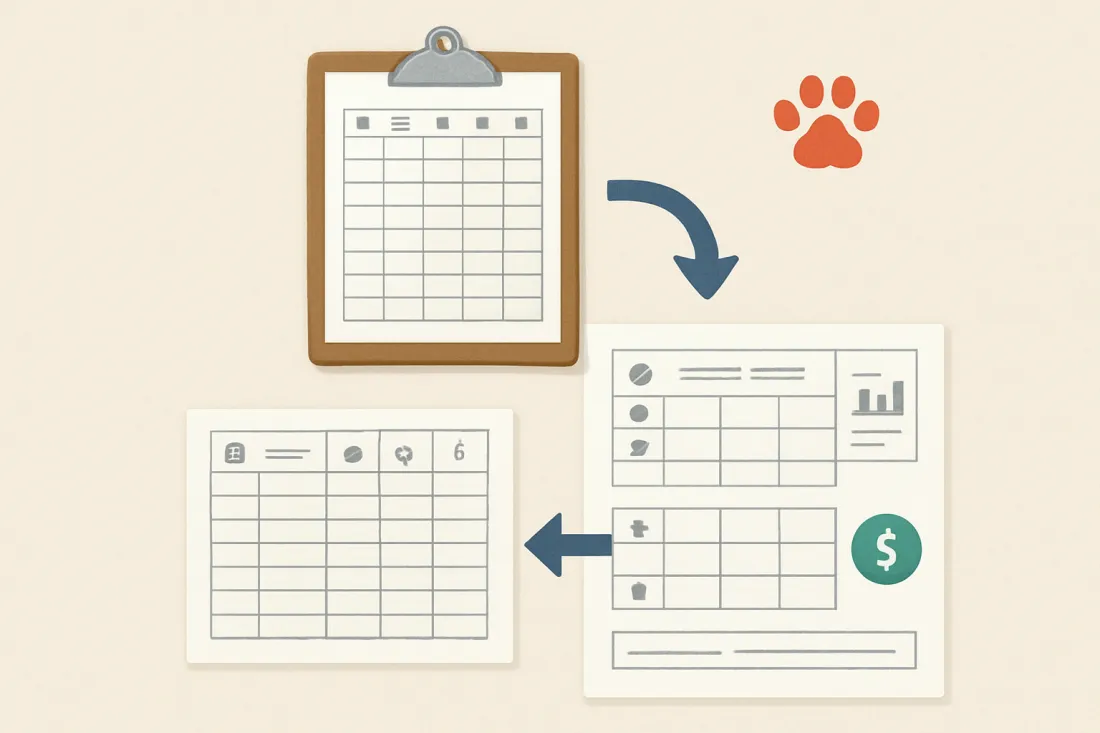
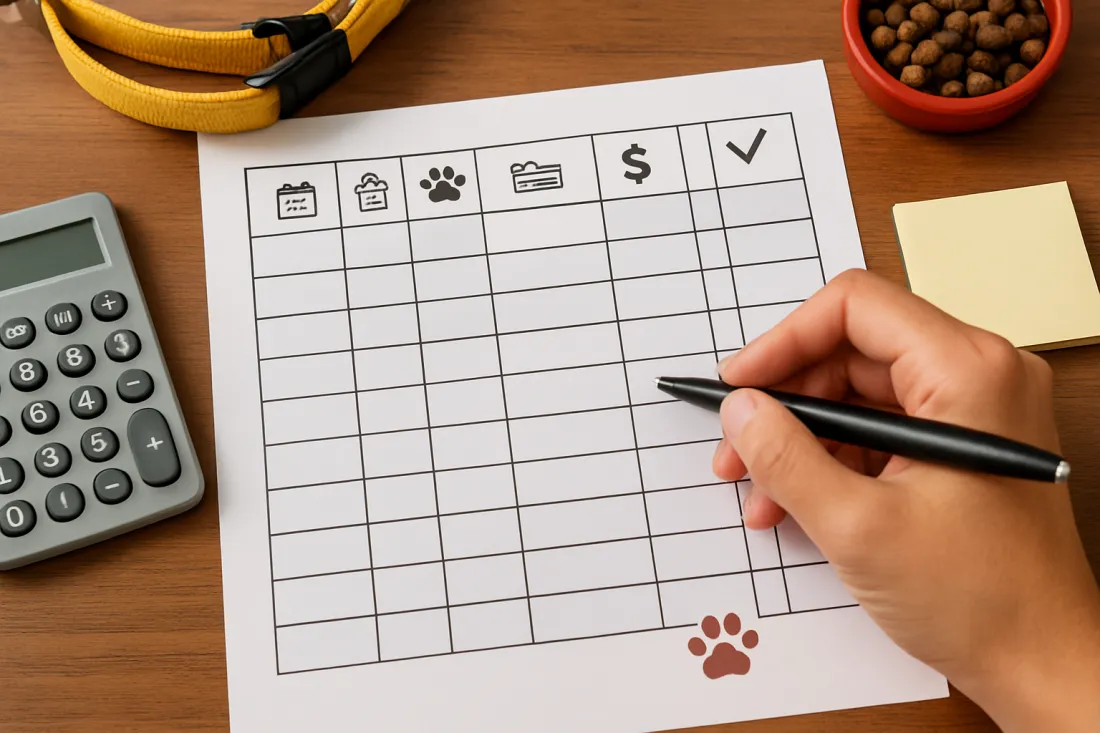
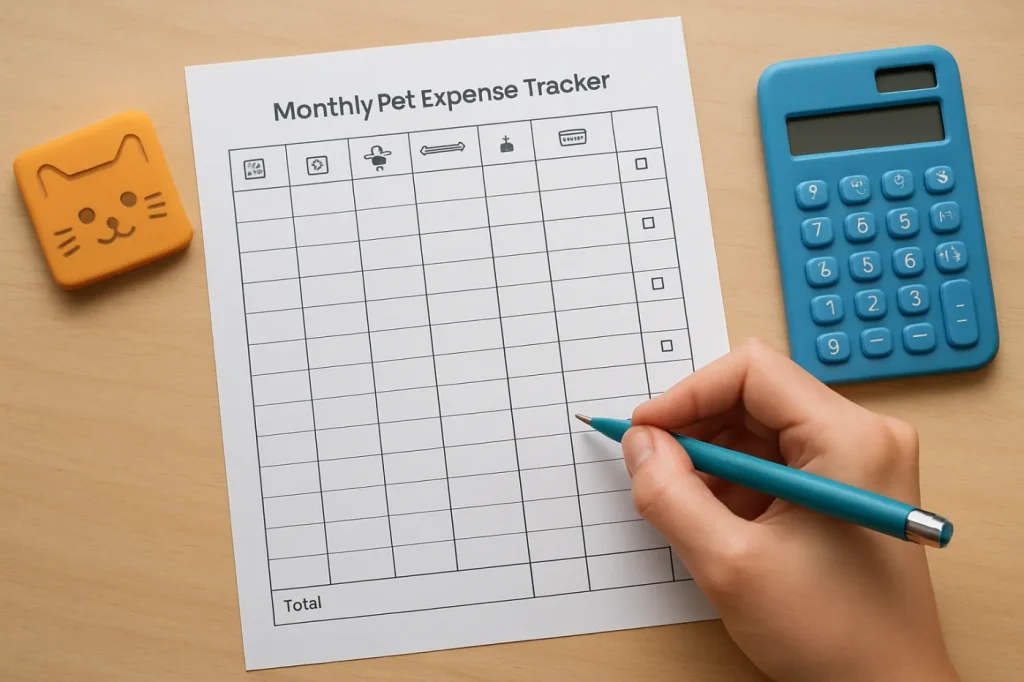
If you want a printable pet expense tracker you can start using today, the most useful version is a simple one-page PDF that lets you: – Log every pet purchase by date, category, and payment method – See your monthly total at a glance – Roll those monthly totals into a yearly overview to spot patterns Below is a practical layout you can recreate in a spreadsheet, notes app, or design tool and then print as a PDF. Monthly tracker layout (one page per month) Columns: – Date – Store / vet / groomer – Expense category (food, vet, grooming, supplies, training, pet sitting, other) – Description (brand, service, or reason) – Pet name (if you have more than one) – Payment type (cash, card, credit, subscription) – Amount – Receipt stored? (Y/N or digital folder name) At the bottom of the page, add: – Subtotal by category (food total, vet total, etc.) – Monthly total Yearly summary layout (one page per year) Rows: – One row per month (January–December) Columns: – Month – Food total – Vet & meds total – Grooming & hygiene total – Supplies & toys total – Training & daycare total – Boarding & pet sitting total – Other – Monthly grand total – Notes (e.g., “annual vaccines,” “dental cleaning,” “holiday boarding”) Print 12 copies of the monthly page and 1 yearly summary page. Staple or put them in a binder and you have a printable pet expense tracker you can use for the whole year.
Why tracking pet expenses is part of responsible ownership
Tracking pet expenses is not just about money; it supports responsible pet ownership in several ways:
- Prevents surprise bills from derailing your budget. When you see how much you typically spend on food, vet care, and grooming, you can set a realistic monthly pet budget and build an emergency cushion.
- Helps you afford preventive care. Regular vaccines, parasite prevention, and checkups are easier to plan when you know roughly when they happen and how much they tend to cost.
- Shows the real cost of adding another pet. If you are thinking about a second dog or cat, your tracker gives you a baseline to estimate how much more you would likely spend. You can combine it with a detailed guide like the cat ownership costs breakdown USA to sanity‑check your expectations.
- Supports better decisions about services and products. Over a year, you may notice that certain services (like frequent grooming or daycare) add up more than you expected, which can push you to find alternatives that still meet your pet’s needs.
- Makes it easier to compare options. If you try a new food, insurance policy, or groomer, you can see the cost impact over several months instead of guessing.
Even a basic paper tracker can reveal patterns you would not notice from scattered receipts or card statements.
How to set up your printable PDF tracker step by step
You can create a printable pet expense tracker in under an hour using any tool that exports to PDF (spreadsheet, word processor, or design app). Here is a simple process.
Step 1: Decide what you want to track
Before you design anything, decide:
- Which pets? One tracker per pet, or one combined tracker with a “Pet name” column. If your pets have very different needs (e.g., senior dog and young cat), separate trackers can make patterns clearer.
- Which time frame? Most owners find a monthly sheet plus a yearly summary is enough. If you have irregular income, you might also want a “per paycheck” view, but you can still log expenses by date on the monthly sheet.
- Which categories? Start with broad categories and refine later. A practical starting set: – Food & treats – Vet & medications – Grooming & hygiene – Supplies & toys – Training, daycare & activities – Boarding, pet sitting & travel – Insurance (if you have it) – Other (licenses, registration, etc.)
Step 2: Build the monthly expense page
On a landscape A4/Letter page, create a table with these columns:
- Date – When you paid.
- Vendor – Store, vet clinic, groomer, trainer, or website.
- Category – Use your chosen categories; consider a drop‑down if you are working in a spreadsheet before printing.
- Description – Brand, size, or service name (e.g., “dry food 15 lb,” “annual wellness exam,” “nail trim”).
- Pet – Name or initials.
- Payment type – Card, cash, credit, subscription, or gift card.
- Amount – What you paid for that line item.
- Receipt stored? – A simple checkbox or “Y/N” column.
At the bottom of the page, add a small summary area: – Food total – Vet & meds total – Grooming total – Supplies & toys total – Training & daycare total – Boarding & pet sitting total – Other total – Monthly total You can fill these totals by hand with a calculator after you record all expenses for the month.
Step 3: Build the yearly summary page
Create a separate page with a table that has: – One row per month – Columns for each category total (food, vet, grooming, etc.) – A “Monthly total” column – A “Notes” column At the end of each month, copy the category totals from your monthly sheet into the yearly summary. This gives you a one‑page view of your annual pet spending.
Step 4: Export to PDF and print
Once your layout looks clean:
- Export the monthly and yearly sheets as a PDF.
- Print 12 copies of the monthly page and 1 yearly summary page.
- Hole‑punch and store them in a binder, or clip them together with a cover page labeled with the year and pet names.
You now have a reusable printable pet expense tracker you can refresh each year by updating the year on the cover and printing a new set.
How to fill out each part of the tracker correctly
Using the tracker consistently matters more than making it look perfect. Here is how to fill each section so your numbers stay meaningful.
Filling the monthly expense lines
For every pet‑related purchase:
- Write the date – Use the purchase date from the receipt.
- Record the vendor – Include enough detail to recognize it later (e.g., “Main St Vet,” “Online pet store,” “Local groomer”).
- Choose the category – Ask: “What was the main purpose of this purchase?” – Flea prevention from the vet? Mark as Vet & meds. – Shampoo and nail clippers? Grooming & hygiene. – Crate, bed, or litter box? Supplies & toys.
- Describe the item or service – Note brand, size, or procedure, such as “grain‑free dry food 10 lb,” “heartworm test,” or “group obedience class.”
- Mark the pet – If the purchase is for multiple pets (e.g., a big bag of food they share), you can either: – Split the cost across pets on separate lines, or – Use a shared code like “Both cats” and keep it as one line.
- Note the payment type – This helps you see how much is going on credit or subscriptions.
- Write the amount – Use the total you paid for that item or visit, including tax if you want your totals to match your bank statements.
- Mark receipt stored – Check the box or write “Y” once you have placed the receipt in your chosen storage system (more on that below).
Filling the monthly summary box
At the end of the month:
- Go through the sheet and highlight or mark all food expenses. Add them up and write the total in the “Food total” box.
- Repeat for each category (vet, grooming, supplies, etc.).
- Add all category totals together to get your “Monthly total.”
- Optionally, write one or two notes about unusual events (e.g., “Emergency vet visit,” “New crate and bed”).
Updating the yearly summary
Once you have your monthly totals:
- Find the row for that month on the yearly summary page.
- Copy each category total into the matching column.
- Copy the monthly total into the “Monthly total” column.
- Add a short note if something special happened that month (e.g., “Dental cleaning,” “Holiday boarding”).
By mid‑year, you will already see which categories dominate your pet budget.
Color‑coding and categorizing pet expenses so patterns pop out
Color‑coding makes your tracker easier to scan and can quickly show where your money is going.
Simple color‑coding ideas
Pick 4–6 colors you can easily distinguish. For example: – Blue – Food & treats – Red – Vet & medications – Green – Grooming & hygiene – Orange – Supplies & toys – Purple – Training, daycare & activities – Yellow – Boarding & pet sitting You can apply colors in several ways:
- Highlighter pens on the printed sheet – Highlight the category column or the whole line according to the category color.
- Colored pens – Use a specific pen color for the amount or category text.
- Pre‑printed colored category labels – If you design your tracker digitally, you can color the category cells before printing.
Category structure that works for most owners
To avoid overcomplicating things, start with these main categories:
- Food & treats – All regular food, special diets, treats, and chews.
- Vet & medications – Exams, vaccines, tests, surgeries, prescription meds, and preventive treatments.
- Grooming & hygiene – Professional grooming, shampoos, brushes, nail trims, litter, poop bags.
- Supplies & toys – Beds, crates, bowls, leashes, collars, toys, scratching posts.
- Training, daycare & activities – Group classes, private training, dog sports, daycare, dog park memberships.
- Boarding, pet sitting & travel – Kennels, in‑home sitters, dog walkers while you travel, pet travel fees.
- Insurance & fees – Pet insurance premiums, licenses, registration fees.
- Other – Anything that does not fit above (donations in your pet’s name, special equipment, etc.).
If you are a new dog owner, pairing this with a broader resource like a responsible pet ownership checklist for new dog owners can help you ensure you are not missing key care categories.
How tracking reveals savings opportunities: practical examples
You do not need exact prices to see where savings might be hiding. The point is to notice patterns and then decide what to adjust. Here are realistic scenarios of what your tracker might show.
Example 1: Food and treats are quietly dominating the budget
After six months of tracking, your yearly summary might show: – Food & treats: consistently the largest category each month – Frequent small purchases at convenience stores or premium boutiques What this tells you You may be paying extra for last‑minute or premium‑brand purchases. Possible actions – Compare the cost of buying larger bags or bulk orders from a store you trust. – Plan purchases around sales or loyalty programs. – Check whether treats are driving up costs and whether you can switch to a more budget‑friendly option without compromising quality.
Example 2: Grooming visits add up more than expected
Your tracker might show: – Regular professional grooming every 4–6 weeks – Grooming & hygiene totals rivaling or exceeding vet costs What this tells you Grooming is a major recurring expense. Possible actions – Learn basic at‑home maintenance (brushing, nail trims between full grooms) to stretch the time between appointments. – Ask your groomer which services are essential for your pet’s coat and which are optional extras.
Example 3: Irregular vet costs are stressing your budget
On your yearly summary, you might see: – One or two months with very high vet totals (annual vaccines, dental cleaning, or an unexpected illness) – Several low‑vet‑cost months What this tells you Your pet’s health costs are lumpy, not evenly spread across the year. Possible actions – Decide on a fixed monthly amount to set aside in a separate savings account for vet care. – Use your tracker to estimate a comfortable monthly pet budget that includes a buffer for these spikes.
Example 4: Subscriptions and small add‑ons are creeping up
Your tracker might reveal: – Multiple small recurring charges (subscription food, automatic treat deliveries, pet streaming channels, etc.) – “Other” category totals that are surprisingly high What this tells you You may have signed up for more services than you truly use. Possible actions – List all subscriptions and ask whether each one still adds value. – Cancel or pause anything you are not using regularly.
Comparison table: paper printable vs digital pet expense tracking
| Tracking method | When it fits best | Pros for pet budgeting | Limitations to keep in mind |
|---|---|---|---|
| Printable paper tracker (PDF you print) | You like writing by hand, keep a home binder, and want something simple you can see without a screen. | Easy to start; no apps or logins; can live with other pet records (vaccination cards, adoption papers); encourages a monthly review habit. | Totals must be calculated manually; harder to back up; you need to remember to print new pages each year. |
| Digital spreadsheet (with printable option) | You are comfortable with basic formulas and want automatic totals and charts but still like the option to print summaries. | Automatic category and yearly totals; easy to duplicate for multiple pets; can export clean PDFs for printing or sharing. | Requires a device; risk of overcomplicating with too many columns; needs occasional backups. |
| Budgeting app with pet category | You already track your personal budget digitally and just need a clear pet category or tag. | All expenses (pet and non‑pet) in one place; automatic imports from bank or card; can show what share of your total budget goes to pets. | Less pet‑specific detail unless you add notes; may not give you a dedicated yearly pet summary page. |
You can combine methods: for example, track everything in a the monthly and yearly views as a PDF for your pet binder.
Checklist: make your printable pet expense tracker work long‑term
Use this practical checklist to turn your tracker into a habit, not just a one‑time project.
- I chose clear categories that match my real pet expenses.
- I created a monthly page with columns for date, vendor, category, description, pet, payment type, amount, and receipt status.
- I created a yearly summary page with one row per month and columns for each category plus monthly total.
- I exported both pages as a PDF and printed enough copies for the year.
- I picked a color‑coding system for categories and keep the pens or highlighters near the tracker.
- I chose a specific place to store the tracker (binder, folder, or clipboard) that I see often.
- I set a weekly reminder to log new expenses and a monthly reminder to total each category.
- I decided what I will do with the information (e.g., adjust food buying habits, plan for vet bills, evaluate subscriptions).
Storing receipts and digital records so your tracker stays accurate
Your printable tracker works best when you can quickly confirm amounts and details. A simple receipt system is enough.
Paper receipt storage
- Use one envelope or folder per month. Label it with the month and year and keep all pet‑related receipts inside.
- Mark receipts as you log them. When you write an expense on your tracker, put a small check mark on the receipt so you know it is already recorded.
- Store near your tracker. Keep the envelope in the same place as your printed pages so you do not have to hunt for it.
Digital record storage
If you prefer digital backups:
- Create a dedicated folder structure. For example: “Pets → 2026 → Receipts → 01‑January.”
- Scan or photograph receipts. Use your phone to take a clear photo and save it to the correct folder.
- Use consistent file names. Include date, vendor, and category (e.g., “2026‑01‑15_MainStVet_vaccines.jpg”).
- Note the folder in your tracker. In the “Receipt stored?” column, you can write the folder name or “digital” so you know where to look later.
Why receipts matter for pet budgeting
Keeping receipts helps you:
- Double‑check totals if your math seems off.
- Compare prices over time when you switch brands or clinics.
- Have proof of purchase for returns, warranty questions, or insurance claims.
Common mistakes with printable pet expense trackers (and how to avoid them)
Many owners start tracking with good intentions but stop after a few weeks. Avoid these common pitfalls.
Mistake 1: Making the layout too complicated
Trying to track every tiny detail (calories, exact weights, multiple tax lines) can make the tracker overwhelming. Better approach: Start with the core columns (date, vendor, category, description, amount). You can always add more detail later if you truly need it.
Mistake 2: Logging expenses only once in a while
If you wait until the end of the month, you will forget what some purchases were for. Better approach: Keep the tracker where you see it daily and log expenses once or twice a week. It usually takes only a few minutes if you keep up with it.
Mistake 3: Ignoring small or irregular costs
It is tempting to skip “one‑off” items like a new bed, a special toy, or a holiday boarding stay. Better approach: Record every pet‑related purchase, even if it feels minor. Irregular costs are often what push a pet budget over the limit.
Mistake 4: Not reviewing the yearly summary
Writing numbers down is useful, but the real value comes from looking at patterns. Better approach: Schedule a short yearly review. Ask: – Which category surprised me the most? – Are there any costs I can reduce without affecting my pet’s well‑being? – Do I need to adjust my overall pet budget for next year?
Mistake 5: Using the tracker only to cut costs
A tracker is not just a tool for cutting; it is also for planning and prioritizing. Better approach: Use your data to protect the essentials (food, preventive vet care, safe equipment) and then decide where you are comfortable spending more (training, activities, higher‑quality food) based on your values and budget. If you are still deciding whether you can afford a new pet at all, combining your tracker with a resource like the monthly cost of owning a cat in the US can help you set realistic expectations before you commit.
What to do next once your printable tracker is ready
Once you have designed or downloaded your printable pet expense tracker:
- Print and place it where you will actually use it. A kitchen counter, home office, or near your pet’s supply area works well.
- Start with the current month. Do not wait for a new year. Begin logging from today and add recent receipts if you still have them.
- Set two reminders. – Weekly: log new expenses. – Monthly: total each category and update the yearly summary.
- After 2–3 months, review patterns. Look for categories that surprise you and decide on one or two small changes you are willing to try.
- Repeat yearly. At the end of the year, keep the completed tracker with your records and print a fresh set for the next year.
Over time, this simple habit turns into a powerful tool for annual pet budget planning and more confident, responsible pet ownership.
FAQ about printable pet expense trackers
What should I understand before using a printable pet expense tracker?
A printable pet expense tracker is a tool to make your pet costs visible and predictable. It will not automatically lower your spending, but it gives you clear information so you can decide where to adjust. To get value from it, you need to: – Record every pet‑related purchase consistently – Group expenses into a few meaningful categories – Review your monthly and yearly totals and ask what they mean for your budget Think of it as a pet‑specific budget lens, not just another form to fill out.
How detailed should my printable tracker be for one pet vs multiple pets?
For a single pet, a simple monthly page with basic columns (date, vendor, category, description, amount) is usually enough. For multiple pets, add a “Pet name” column so you can see which pet drives which costs. If your pets have very different needs (for example, a senior dog with regular vet visits and a young, healthy cat), you might prefer separate monthly pages for each pet plus one combined yearly summary.
What mistakes should I avoid when setting up my printable pet expense tracker?
Avoid overcomplicating the layout, waiting too long between logging expenses, skipping irregular purchases, and never reviewing your yearly summary. These mistakes make the tracker feel like extra work without benefits. Keep the design simple, log weekly, include every pet‑related cost, and schedule a short monthly or yearly review to turn the data into decisions.
What should I do next after I have my printable tracker set up?
After your tracker is printed and ready, start using it immediately for the current month, set reminders to update it regularly, and plan a brief review after a couple of months. Use what you learn to adjust your pet budget, plan for upcoming vet care, and decide whether any services or products need to change. If you are considering adding another pet, compare your current tracked costs with your expected budget for the new pet before making a decision.